
How do I install Planban in Claude Code?
Ask Claude to install it with one prompt. Planban needs Node.js >=22.12.0 and npm on your machine.
Ask Claude Code:
Install Planban from piercekearns/planban. Follow the Install With Claude Code details in the public GitHub README exactly, verify the plugin and MCP tools work, open the interactive tutorial in the browser pane, then ask whether I want to set up Planban for a local project.If you prefer to run the commands yourself:
claude plugin marketplace add piercekearns/planban
PLANBAN_ROOT="$HOME/.claude/plugins/marketplaces/planban"
cd "$PLANBAN_ROOT"
npm install
claude plugin install planban@planban
claude mcp list
node plugins/planban/scripts/launch-planban.mjs --tutorialclaude mcp list should show plugin:planban:planban as connected. Then start a new Claude Code session. Install Planban in Claude Code covers every install path, how to check it worked, and first-launch behaviour.
Planban is installed separately in each host. If you also use Codex, both installs share the same device-local boards.
How do I open the board?
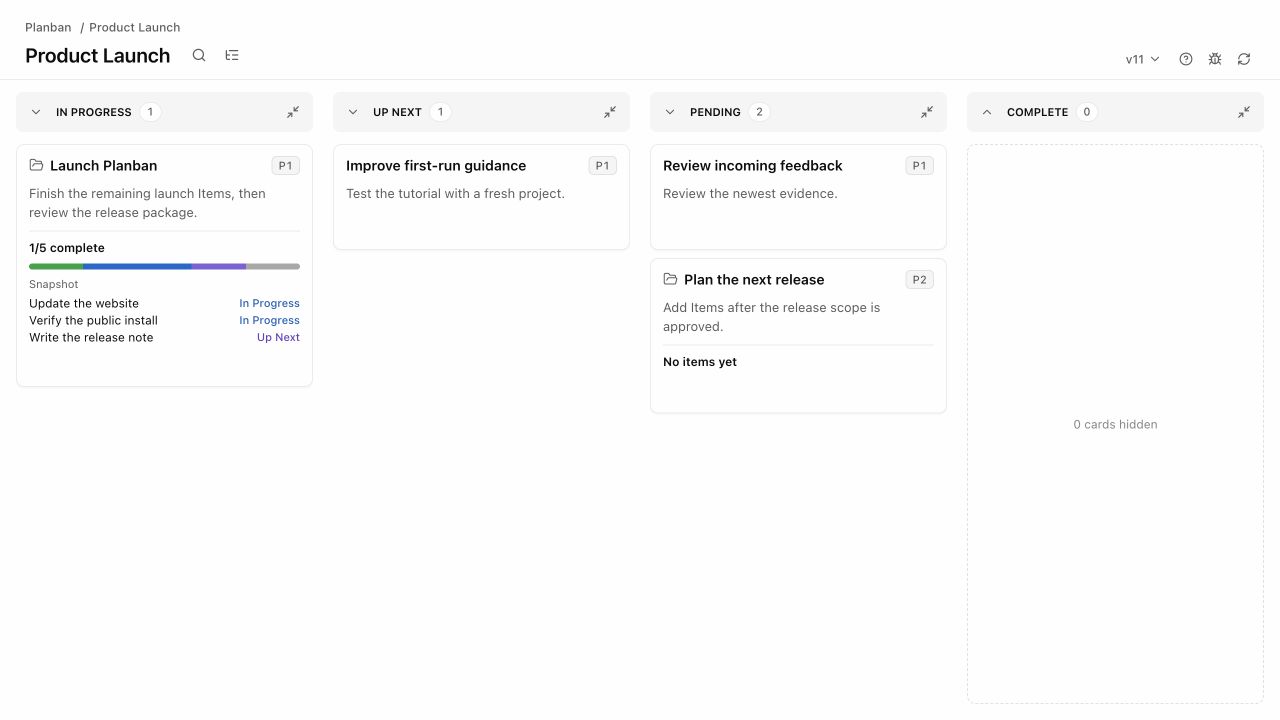
Type /planban:pb in a project to open its board. The board opens in the Claude Code browser pane beside the session, and Claude always replies with the clickable board URL.
Other commands:
/planban:planbanworks with the board, its Items, Specs, and Plans./planban:planban-createcreates boards, Items, or Groups from rough notes./planban:planban-tutorialopens the interactive tutorial./planban:planban-helplists commands and common prompts./planban:planban-feedbackpackages a bug report or feedback.
What does the agent do to the board?
Claude acts as a trusted editor of the plan. It creates Items and Groups, writes Specs and Plans, moves Items between Statuses, and keeps each summary and next action current.
You own intent, priority, and acceptance. Only you mark work Complete. Claude reads and writes the board through Planban's MCP tools, so a drag on the board and a tool call from Claude run the same operation and write the same history.
When a session starts in a project that uses Planban, a session-start hook tells Claude where the board is. Sessions in a linked git worktree resolve to the same board as the main checkout.
Where is my planning data stored?
Your planning data stays on your machine. Planban does not upload it.
- Repo discovery files live in
.planban/in your project:.planban/project.jsonand.planban/agent-context.md. - Live board state lives under the device-local planning root
~/.planban, separate from your repo. For example,~/.planban/repos/<repo-id>/roadmap.json. - Each Item's Spec and Plan are Markdown files under
~/.planban/repos/<repo-id>/items/<card-id>/.
Do not commit ~/.planban to your project repo.
What is not supported yet?
Online Mode is not available yet. It is in design, and will add remote access to your own board. Local Mode is complete and stays a permanent choice.
The board opens beside the session only in the Claude Code desktop app, which provides the browser pane. Elsewhere, Claude gives you the board as a link to open in your browser.
Planban is built for one person directing project work with agents. If you need a team project-management suite with sprints, roles, and reporting, Planban is not the right choice.
Where can I get help?
Use the feedback button in the board toolbar, or run /planban:planban-feedback. Claude drafts a GitHub issue from your note and checks existing issues first. Nothing is filed publicly until you have reviewed it.
You can also open an issue directly at https://github.com/piercekearns/planban/issues/new/choose. The full install guide, including the local clone and update steps, is in the README on GitHub.